
AI content engine
1 long video, a week of content. Create 10x faster.
KlipRok turns long videos into and publishes them to every social platform in one click.
- Free to start
- No credit card
- 50+ languages
- Cancel anytime
 Source video/media/hero-source.jpg
 Clip 1/media/clip-1.jpg
 Clip 2/media/clip-2.jpg
 Clip 3/media/clip-3.jpg
 Clip 4/media/clip-4.jpg
 Clip 5/media/clip-5.jpg
 Clip 6/media/clip-6.jpg
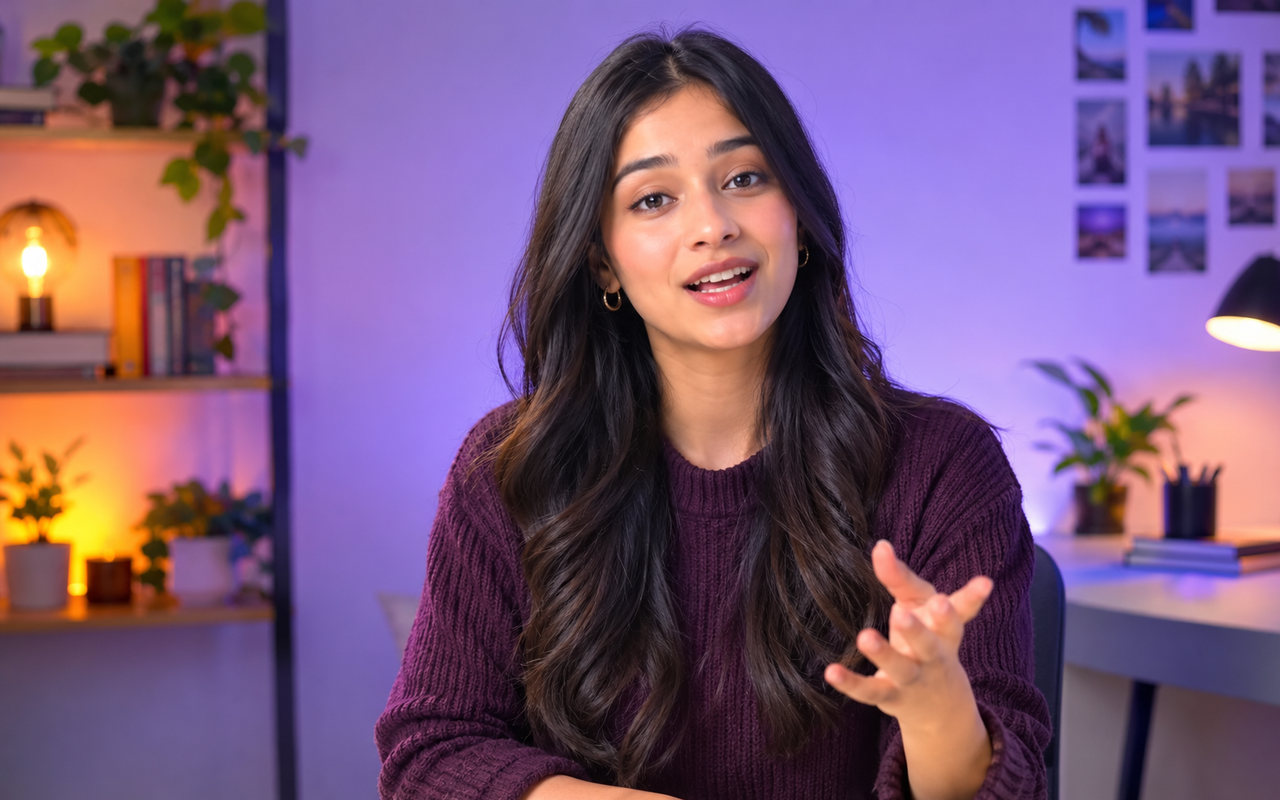 Captioned video/media/caption-demo.jpg
 Before (16:9)/media/reframe-before.jpg
 After (9:16)/media/reframe-after.jpg
 B-roll video/media/broll-main.jpg
 /media/timeline-1.jpg
 /media/timeline-2.jpg
 /media/timeline-3.jpg
 /media/timeline-4.jpg
Growing on YouTube is ummm actually so hard. You spend like all this time on a video and then uh it barely gets seen. It’s like really draining.
 Speaker/media/audio-demo.jpg
 Portrait video/media/hook-demo.jpg
Built for every kind of creator
From one long video to posts on every platform
Four steps, one workspace. No juggling a clipper, a caption tool, an editor and a scheduler.
Bring a video
Paste a YouTube link or upload a file. Podcasts, webinars, streams and vlogs all work.
AI video clippingGet scored clips
KlipRok finds the best moments and scores each one from 0 to 100 for hook, emotion and shareability.
Viral scoringPolish in one pass
Captions in 50+ languages, a 9:16 reframe that follows the speaker, and cleaner audio. Fine-tune in Edit Space or ask Claude.
AI captionsPublish or schedule
Send clips to every connected platform now, or plan the week and let KlipRok post for you.
Social publishing
AI editing models
AI that understands every pixel of your video
The most powerful AI editing models that work on any video. Built for speed, accuracy, and creative flexibility.
 Clip frame/media/model-clip-a.jpg
 Result/media/model-clip-b.jpg
Clip Engine
Turns any genre — vlogs, gaming, sports, interviews, explainers — into viral clips in 1 click.
 16:9 source/media/model-reframe-a.jpg
 9:16/media/model-reframe-b.jpg
Reframe Engine
Resizes any video for any platform and keeps moving subjects centered with AI face and object tracking.
Everything you need to turn video into growth
24 features in one platform, grouped by the job they do. Pick a group to see what is inside.
Turn hours of footage into a shortlist worth posting.
Workflow automation
Your video creation process — now on autopilot
Create and publish videos 5x faster with KlipRok’s web app and API, so you can go on vacation and still keep your content rolling.
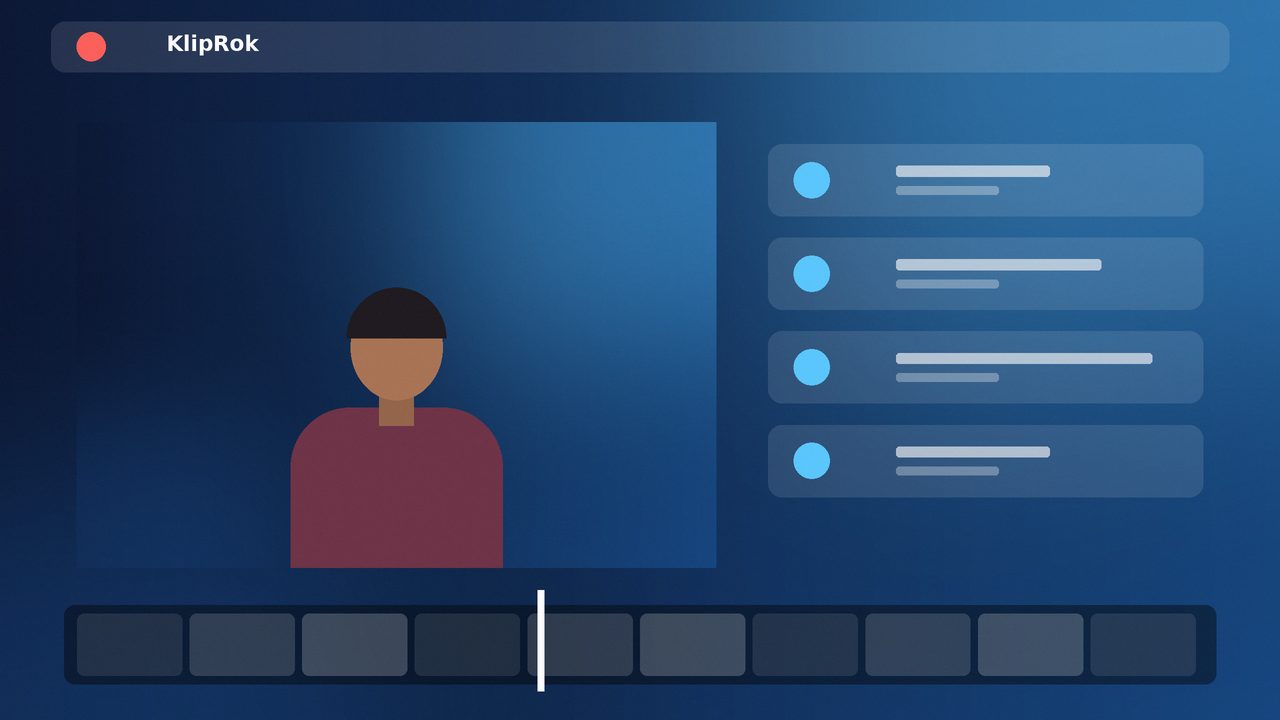 Auto import/media/auto-import.jpg
Auto import
Automatically pulls your latest videos from YouTube or the cloud, so you never miss a moment to clip and share.
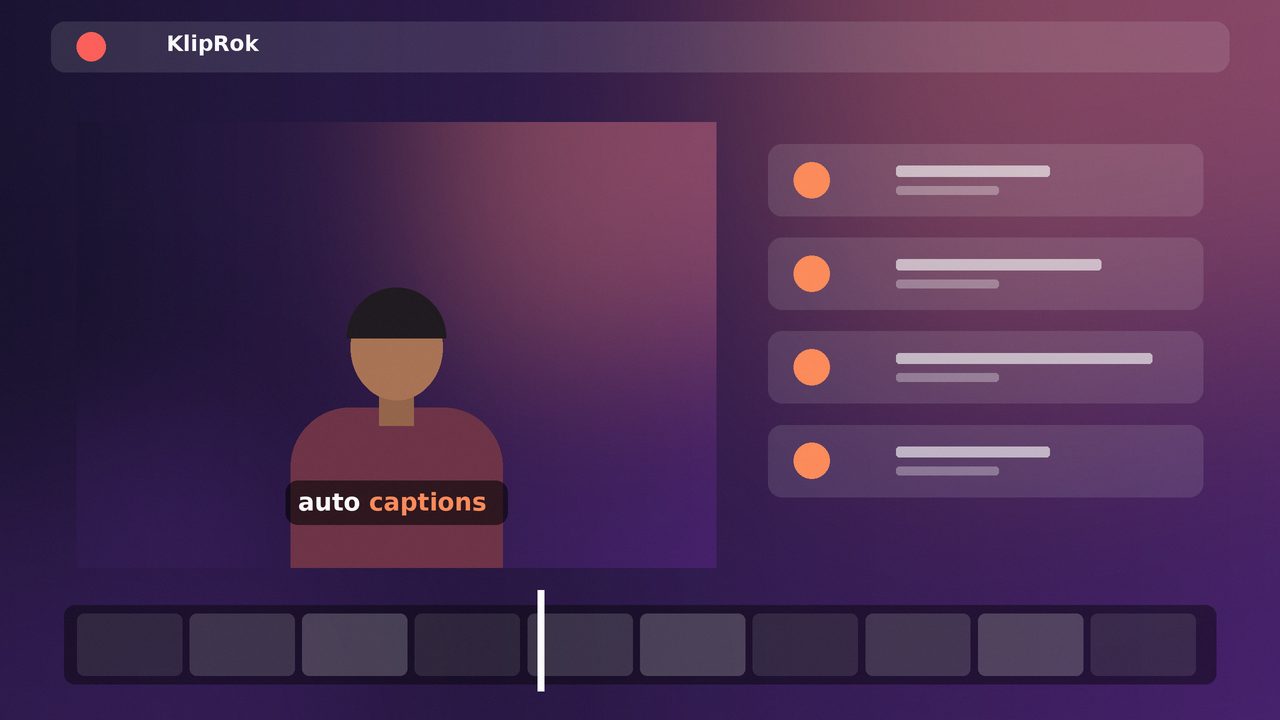 Auto editing/media/auto-edit.jpg
Auto editing
Our AI automatically clips, captions, reframes, adds B-Roll and enhances audio, so your videos are ready to post with no extra editing.
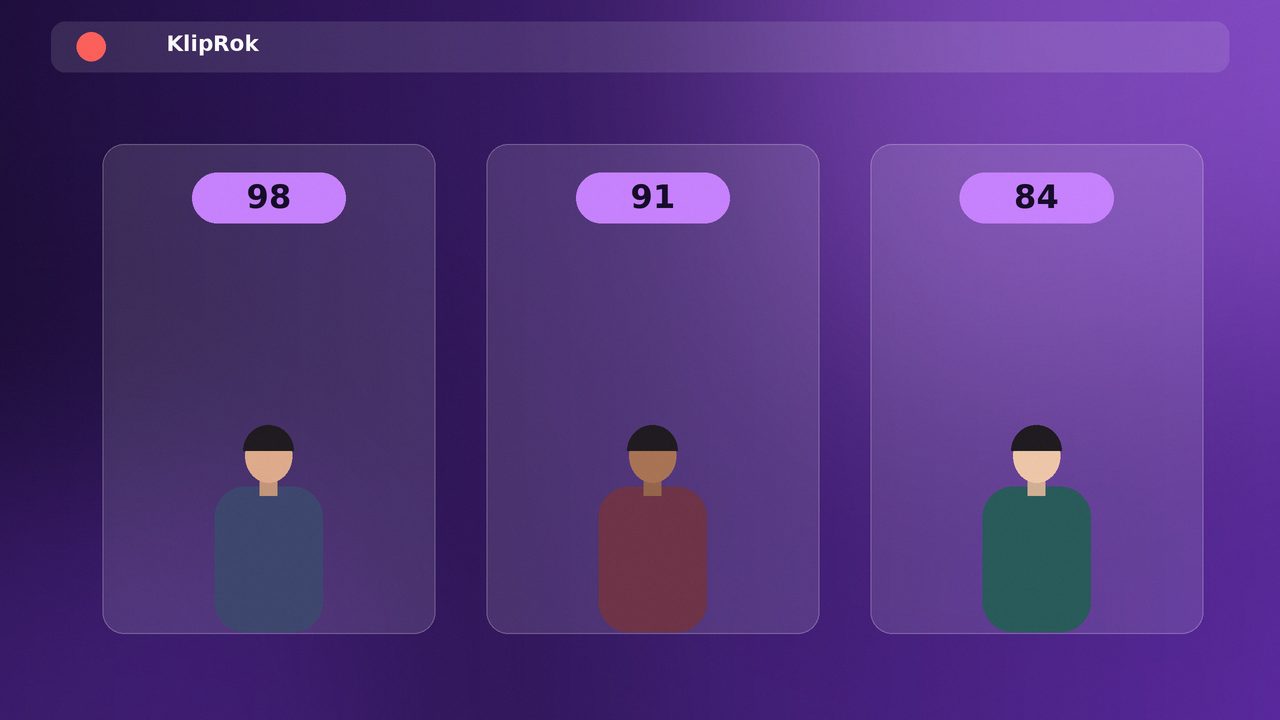 Auto scheduling/media/auto-schedule.jpg
Auto scheduling
Automatically schedules your videos across platforms, so you stay consistent and be everywhere without lifting a finger.
AI editor
AI that edits with you, not just for you
Take full editing control, or let our AI take over. Either way, it’s effortless.
What would you do for your marketing strategy launching a new product?
The first thing I am doing is figuring out what type of creator I need to be. What’s my product, what’s my market, and I gotta start creating on the daily.
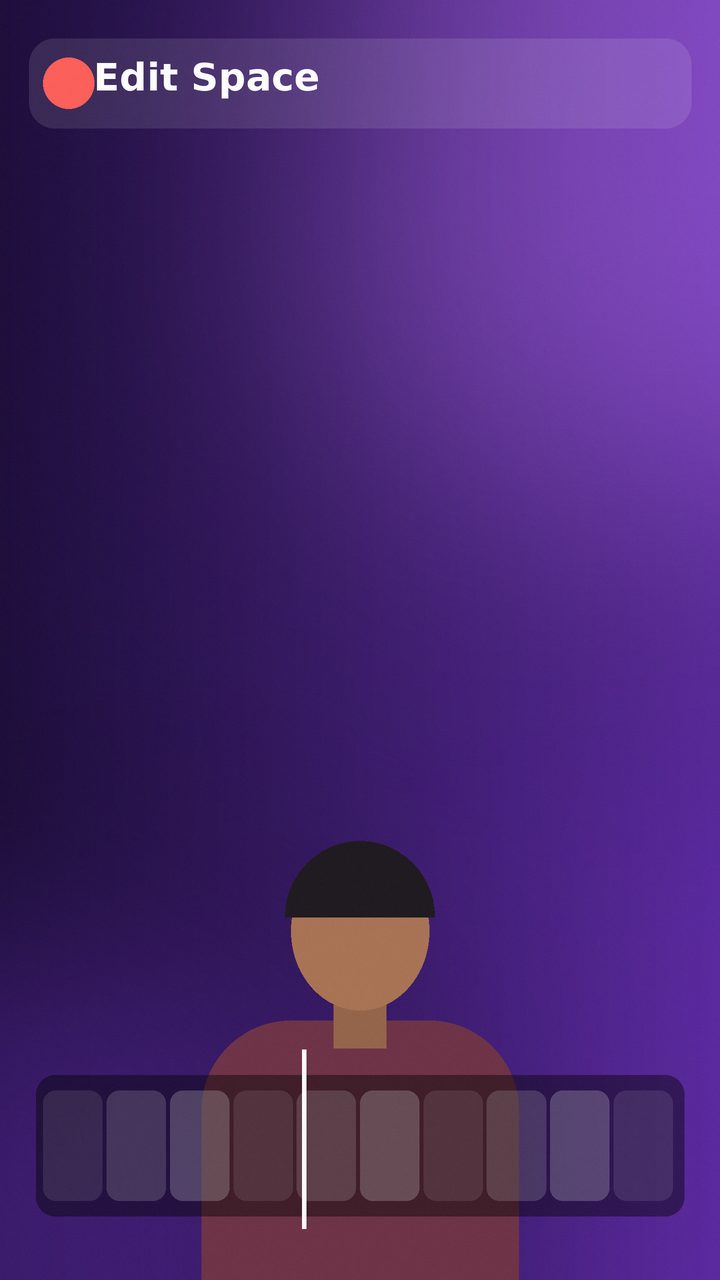 Editor preview/media/editor-main.jpg/media/timeline-1.jpg/media/timeline-2.jpg/media/timeline-3.jpg/media/timeline-4.jpg/media/timeline-1.jpg/media/timeline-2.jpg/media/timeline-3.jpg/media/timeline-4.jpg/media/timeline-1.jpg/media/timeline-2.jpg/media/timeline-3.jpg/media/timeline-4.jpg
Run KlipRok by simply asking
Connect KlipRok once to Claude or ChatGPT. Then ask for clips, captions, reframes and edits in plain English. Everything happens inside your own KlipRok account.
- 21 tools your AI can use, from import to finished clips
- OAuth 2.1 sign-in, an activity log and safety limits you set
- Autopilot clips every new upload on your YouTube channel
Clip my latest episode, pick the 5 best moments and add Bold Pop captions.
import_videoget_transcriptcreate_clipscreate_captionsDone. 5 clips are ready in your account, scored 91 to 97, with captions on. Want me to schedule them?
Publish where your audience already is
Connect your accounts once. KlipRok adapts the format, caption length and hashtags for each destination, so you never upload the same clip twice.
KlipRok for teams
Scale your creative output and business without scaling overhead
Every business is becoming video-first. KlipRok helps your brand stay top of mind.
 Brand template/media/brand-template.jpg
Brand templates
Create various brand templates with on-brand font style, color, logo, intro & outro and more.
Team workspace
Easily set up a team account to collaborate and manage creative projects with your team members.
Workflow integration
With our API, you can integrate KlipRok with your CMS and other tools to automate your video creation workflow.
Built for anyone who makes video
See the exact workflow for your kind of content.
Start free. Upgrade when you grow.
No credit card to start. Every price below comes straight from our Honest price page, where we compare us with other tools line by line.
A partner to your growth
From podcasts to product launches, KlipRok helps every creator publish more with far less editing.
Podcasters
Split a long episode into captioned, reframed shorts ready for every platform.
YouTubers
Turn long videos into Shorts, Reels and TikToks without opening an editor.
Coaches
Pull the best advice out of every session and share it as short clips.
Agencies
Deliver more client content from the same footage, on one workspace.
Educators
Cut lectures into bite-size lessons with accurate captions in 50+ languages.
Streamers
Find the highlight moments in hours of stream and publish them fast.
Podcasters
Split a long episode into captioned, reframed shorts ready for every platform.
YouTubers
Turn long videos into Shorts, Reels and TikToks without opening an editor.
Coaches
Pull the best advice out of every session and share it as short clips.
Agencies
Deliver more client content from the same footage, on one workspace.
Educators
Cut lectures into bite-size lessons with accurate captions in 50+ languages.
Streamers
Find the highlight moments in hours of stream and publish them fast.
Got questions?
How does KlipRok work?
Paste a link or upload a long video. KlipRok finds the best moments, scores them for viral potential, captions and reframes them, and gets them ready to publish.
What types of videos can I upload?
Podcasts, interviews, webinars, streams, vlogs and more — long-form video in common formats, or a link from YouTube and other sources.
Which languages are supported?
AI captions work in 50+ languages with automatic language detection.
Can I add captions?
Yes. Choose from 13 caption styles with word-pop animation, or fully customise font, colour and effects.
Is KlipRok free to use?
You can start for free, no credit card required. See our Honest Price page for the full breakdown.
Where can I publish my clips?
KlipRok publishes to YouTube (Shorts and regular videos), Instagram (Reels and feed), TikTok, Facebook, X, LinkedIn, Threads and Pinterest. Connect your accounts once, then publish now or schedule.
Can I run KlipRok from Claude or ChatGPT?
Yes. Connect KlipRok as a connector in Claude or ChatGPT, sign in, and ask for clips, captions and edits in plain English. It is included with the Pro and Agency plans.
Can I edit clips myself?
Yes. Edit Space is a timeline editor with split, trim, text and image layers and MP4 export. You can also ask Claude to add animated text, zooms, B-roll and music for you.
Can I keep my brand consistent?
Save a brand kit with your logo, colours, intro and outro, then apply it to your exports. Keep a separate kit for each brand or client.
I have more questions!
Visit the help center from inside the app, or reach out through the Contact page — we reply fast.